Quick answer: Getty Images Model Release Requirements
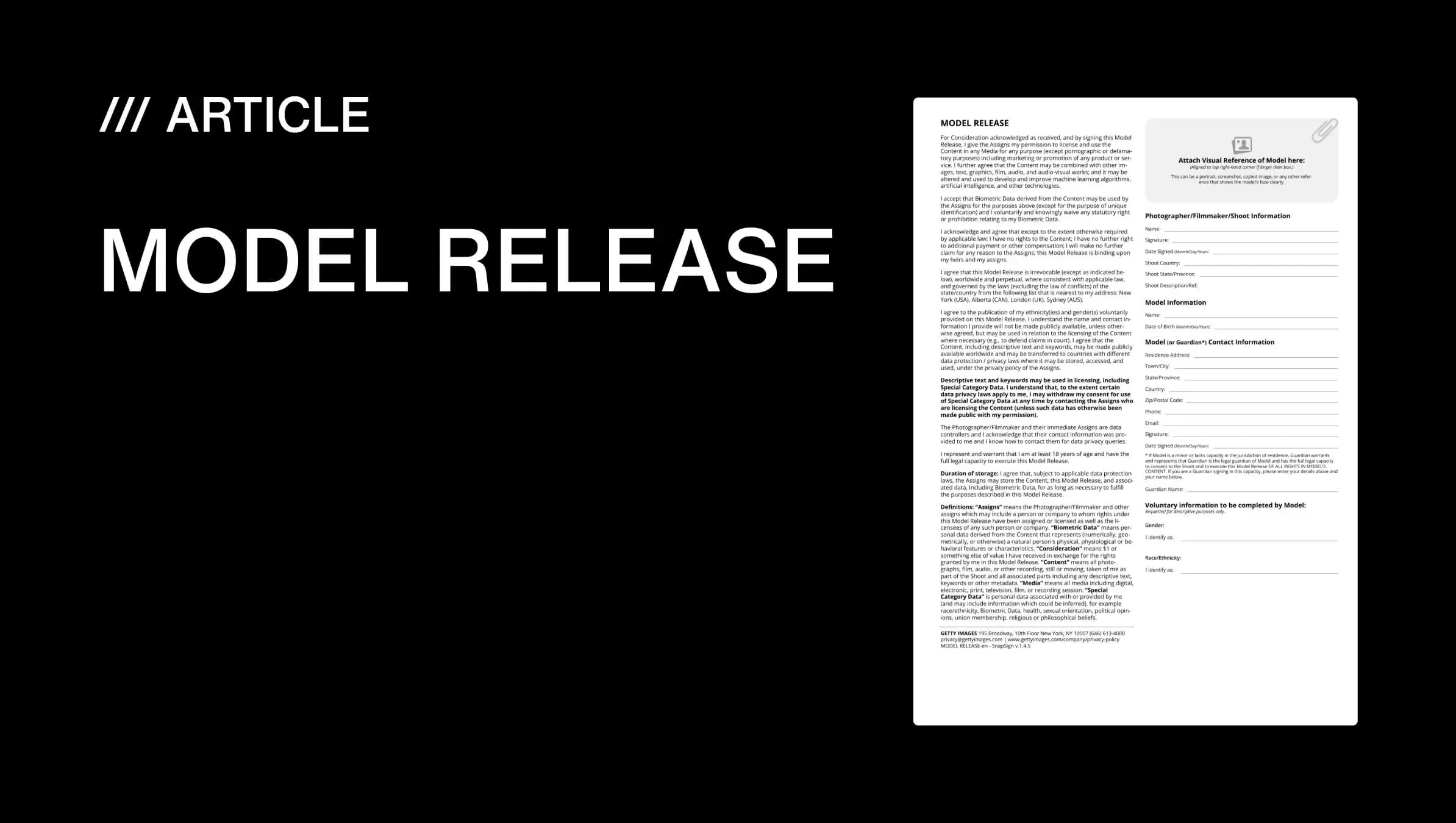
Getty Images requires a signed model release for every commercial image containing a recognizable person — a legal document, recognized under right of publicity law, that grants the photographer permission to use the subject’s likeness for commercial purposes. The release must include the model’s full legal name matching government ID, date of birth, contact information, a specific description of the shoot, and signatures from the model, the photographer, and a witness — all with consistent dates and no reused forms from previous sessions.
That is the bar. It is higher than Shutterstock’s, higher than Adobe Stock’s, and higher than most Getty Images contributors expect on their first submission. But it is also the reason a Getty license is worth more than a generic stock license — and why buyers from global brands to major publishers trust the platform without calling their legal department first.
In this guide, I will walk you through Getty Images’ submission guidelines for model releases — exactly what the platform requires, why each field matters to a reviewer, the mistakes that trigger the most rejections, and how to build a submission workflow that gets more images accepted.
Why Getty Images Has the Strictest Model Release Rules in Stock Photography
The trust that buyers pay for
When a brand like Nike or a publisher like Condé Nast licenses an image from Getty, they are not just paying for the photograph. They are paying for the guarantee that the image is legally cleared for global commercial use — on billboards, in magazines, on product packaging, across social campaigns that run in multiple countries with different privacy laws.
Getty built its market position on that guarantee. It is what separates a $500 Getty license from a $5 microstock license. And it is enforced through model release requirements that are deliberately stricter than any other stock platform’s. When you license an image on Getty Images stock, you are not just buying a photo — you are buying the legal assurance that every recognizable person in that frame signed a release that meets the highest bar in the industry.
The formula is straightforward: stricter releases → lower legal risk → higher buyer confidence → higher license prices. Every field on Getty’s model release form exists because at some point, the absence of that information created a legal exposure that cost someone real money. This is why organizations like the American Society of Media Photographers recommend treating model releases as the foundation of commercial photography practice — not as paperwork to rush through at the end of a shoot.
What happens when a release fails
Imagine this scenario. You photograph a model for a commercial lookbook. Three years later, that image appears in a global advertising campaign — billboards, store displays, targeted ads across six countries. Then the model comes forward and says the release she signed was for portfolio use only, not commercial distribution.
Without a properly executed release that explicitly grants commercial usage rights, that scenario becomes a lawsuit. The brand faces takedown demands, the agency that licensed the image faces liability, and the photographer who submitted it faces a reputational hit that follows them across every stock platform they contribute to.
This is not hypothetical. It has happened. And it is why Getty’s reviewers are trained to reject anything that looks incomplete, inconsistent, or ambiguous — because the cost of getting it wrong lands on everyone in the licensing chain.
So what does a release that passes review actually look like? Here is every field a Getty Images model release must include, what reviewers check for each one, and the mistake that triggers a rejection most often.
Exactly What a Getty Images Model Release Must Include
The non-negotiable fields
Every Getty Images model release must contain specific information presented in a specific structure. The Getty Images release form is not a suggestion — it is a checklist where every unchecked box is a rejection waiting to happen. The table below breaks down each required field, what Getty reviewers check, and the mistake that triggers rejection most often.
| Required field | What Getty checks | Most common rejection trigger |
|---|---|---|
| Model's full legal name | Must match government-issued ID exactly — no nicknames, no shorthand | Using a stage name or abbreviated first name that does not match ID |
| Date of birth | Verifies age of majority; flags minors for additional guardian requirements | Leaving the field blank or entering an obviously incorrect year |
| Contact information | Phone or email — must be current and reachable if verification is needed | Outdated contact details that bounce if Getty attempts verification |
| Shoot description | Specific to the session — date, location, type of shoot, intended use | Generic descriptions like "photo shoot" that could apply to any session |
| Model signature | Clear, legible, consistent with the name printed above | Illegible signatures or signatures that differ visibly across pages |
| Photographer signature | Must match the photographer name on the submission | One photographer signs; a different name appears on the submission metadata |
| Witness signature | A third party — not the model, not the photographer — who observed both sign | Missing witness entirely, or the photographer acting as their own witness |
| Date of signing | Must match across all signature lines and be consistent with the shoot date | Different dates on model, photographer, and witness signature lines |
| Commercial usage grant | Explicit language granting commercial, advertising, and promotional use rights | Release language that only covers portfolio or editorial use |
| Guardian information (if minor) | Parent or legal guardian name, signature, and verifiable identity | Guardian signature missing or guardian identity not documented |
Signatures, witnesses, and why every field matters
Each field on the table above exists because its absence created a liability at some point in Getty’s history. The witness signature proves the model was not coerced or misled about what they were signing. The commercial usage grant ensures the release covers advertising and promotional contexts — not just portfolio use, which is a narrower right. The matching dates establish a verifiable timeline if the release is ever challenged.
A release with one missing field is not “mostly complete.” It is incomplete. Reviewers do not have discretion to accept it anyway — the requirements are binary. Either every field is present and consistent, or the submission is rejected.
For releases involving minors, the bar is higher still. A parent or legal guardian must sign, their relationship to the minor must be documented, and their identity must be independently verifiable. Getty applies zero tolerance on minor releases because the legal exposure from an improperly released image of a child is an order of magnitude greater than for an adult model.
Knowing what belongs on the form is one thing. Knowing what gets the form rejected — and fixing those errors before submission — is what separates contributors who breeze through review from contributors who collect rejection emails.
If you are new to Getty Images stock submissions, becoming a Getty Images contributor starts with creating an account on the contributor portal and uploading a sample portfolio for review. Once accepted, every commercial image you submit will need a release that meets the standards below — so getting the paperwork right from day one saves you from learning through rejection emails.
The Most Common Reasons Getty Rejects Model Releases
Information mismatches
The single biggest rejection trigger is inconsistency across fields. A model’s name spelled “Katherine” on the release but “Katerina” on her ID. A shoot date of March 15 on the description but March 16 on the signature line. A photographer named “James Chen” on the release but “J. Chen Photography” in the submission metadata.
These mismatches look minor to the contributor who was there and knows everyone involved. To a reviewer who was not there, they signal that the release may not be authentic — or that it was filled out carelessly, which raises the same red flag. Either way, the safest decision for the reviewer is to reject and ask for a corrected release.
Signature problems
Paper releases fail on signatures constantly. A rushed model scribbles something unreadable. The witness line is left blank because “we forgot to ask someone.” The photographer signs but the pen is running out of ink. Two signatures look suspiciously similar because the same person signed both lines.
Digital signatures solve most of these problems. A digital signature is timestamped, traceable to a specific device and session, and impossible to smudge. It stays legible regardless of how quickly someone signed or what pen they used. This alone is the strongest argument for switching from paper releases to a digital workflow — the signature is never the reason for rejection.
Generic or reused releases
A release written for last month’s studio shoot will not pass review for this month’s location shoot. The shoot description will not match. The date will be wrong. If the release includes a different model, different photographer, or different usage context than what the submission metadata describes, the reviewer catches it immediately.
Create a release for each shoot. No exceptions. If you shoot three sessions with three different models in one week, you need three separate releases — not one form with names swapped out. A stock photo model release is a legal document tied to a specific session. Treat it that way.
Questions Getty Contributors Ask About Model Releases
Every contributor forum has the same threads. Someone submits a batch of images to Getty for the first time, half get rejected for release issues, and the questions start. Here are the ones that come up most often — and what the answer actually means for your workflow.
“Does Getty really check every release?” Yes. Every commercial submission is reviewed, and the release is part of that review. Getty employs dedicated reviewers who look at releases alongside the images they accompany. They are trained to spot inconsistencies. They have seen every variation of “I forgot the witness signature” and “the dates are close enough.” Close enough is not close enough.
“What if the model does not want to share their date of birth?” Then you cannot submit images of that model for commercial licensing through Getty. Date of birth is not optional — it is how Getty verifies the model was an adult at the time of signing and provides a unique identifier that ties the release to a specific individual. If a model refuses to provide it, that model cannot appear in your Getty submissions. This is non-negotiable.
“Can I add a release after the image is already submitted?” No. The release must accompany the submission. If you realize a release is missing or incomplete after submitting, the image will be rejected — and you will need to resubmit it with the complete documentation as a new submission. There is no “attach missing release” button in the contributor portal.
“I shoot events where I cannot get every person in the frame to sign. What do I do?” Submit those images as editorial, not commercial. Editorial images — news, reportage, public events, street photography — do not require model releases because they are licensed for editorial use only, not advertising or commercial promotion. The tradeoff is real: editorial licenses sell for less and have narrower usage rights. But they are the correct category for unreleased crowd and event images.
“Does a digital release actually hold up if challenged?” Yes — and in some ways it holds up better than paper. A digitally signed release with a tamper-evident hash proves the document has not been altered since the moment of signing. A paper release with a photocopied signature proves nothing about when it was signed, by whom, or whether the text above the signature is the same text that was there when the pen touched paper. Courts and platforms both recognize digital signatures as legally binding — Getty among them.
“Can I make my own release form instead of using a template?” Yes, but only if it includes every field from the table above. Most photographers who try to write their own release form miss at least one required element — usually the witness signature or the commercial usage grant. A self-made form is legally valid, but a Getty-specific template built to the platform’s exact field list removes the risk of omission. If you do create your own, cross-check it against Getty’s published contributor requirements before submitting anything with it.
When You Don't Need a Model Release for Getty Submissions
Not every Getty submission requires a model release. The distinction that matters is commercial versus editorial use.
Editorial images — news photography, sports coverage, red carpet events, street photography, documentary work, public demonstrations — do not require model releases. These images are licensed for editorial use only: newspapers, magazines, blogs, and non-commercial contexts where the image illustrates a story rather than selling a product. If you photograph a protest and a recognizable face appears in the crowd, that image can be submitted as editorial without a release.
Images without recognizable people — landscapes, cityscapes, still life, food photography, wildlife, abstract work — do not require model releases because there is no person whose likeness rights need clearing. If the image contains recognizable private property (a distinctive building, a branded interior), you may need a property release instead — but that is a separate requirement.
The line to watch: if an image could be used in an advertisement, a brand campaign, product packaging, or any context where the image helps sell something other than itself, it is commercial. Commercial use requires a release for every recognizable person in the frame. No exceptions. If you are unsure which category your image falls into, default to commercial — submitting an editorial image as commercial with a release is safer than submitting a commercial image as editorial without one.
Pre-Submission Checklist for Getty Contributors
Before you hit submit, run through this list. It catches every mistake covered in the sections above in under sixty seconds.
- Full legal name — matches government ID exactly, no nicknames, no shorthand
- Date of birth — present, matches the model’s actual age, flags minors for guardian fields
- Contact information — current phone or email the model actually checks
- Shoot description — specific to this session: date, location, type of shoot, intended use
- Model signature — clear, legible, consistent with the printed name
- Photographer signature — matches the name on your Getty contributor account
- Witness signature — a third party who observed both sign, not the model, not the photographer
- All dates match — model, photographer, and witness signature lines all show the same date
- Commercial usage grant — release language explicitly covers advertising, promotion, and commercial use — not just portfolio
- Guardian fields — if the model is a minor, parent or legal guardian name, signature, and relationship documented
- One release per shoot — not reused from a previous session, not copied with swapped names
Every unchecked box on this list is a rejection waiting to happen. Run through it once before every submission and your rejection rate drops to near zero.
That checklist takes a minute. A rejection and resubmission takes days. The math is not complicated — the hard part is remembering to do it. That is where the right workflow makes the difference between catching errors and discovering them in the rejection email.
How We Built SnapSign to Meet Getty's Release Standards
When we built SnapSign, we did not start from a generic e-signature template and hope it would work for photographers. We started from Getty’s specific model release requirements and worked backward — our releases are certified to meet Getty Images standards. Our Getty Images Template includes every field from the table above — legal name, date of birth, contact information, shoot description, model signature, photographer signature, witness signature, and explicit commercial usage language — structured exactly as Getty reviewers expect, consistent with the model release guidelines published in Getty’s contributor documentation.
The template is available in the app for every user. You select it when creating a new Contract, fill in the shoot details and participant information, and collect signatures directly in the app or remotely through a Signature Request. Because the template already includes every required field, you cannot accidentally omit the witness line or forget the commercial usage grant — the structure prevents those errors by design.
Digital signatures are timestamped and tied to the signer’s device and email. Once a Contract is signed, we generate a SHA-256 hash that proves the document has not been altered. If anyone modifies the PDF after the fact, the hash changes — and the verification check on our website or in the app catches it immediately. This is the kind of tamper evidence that paper releases cannot offer, and it directly addresses the authenticity concerns that drive Getty’s rejection decisions.
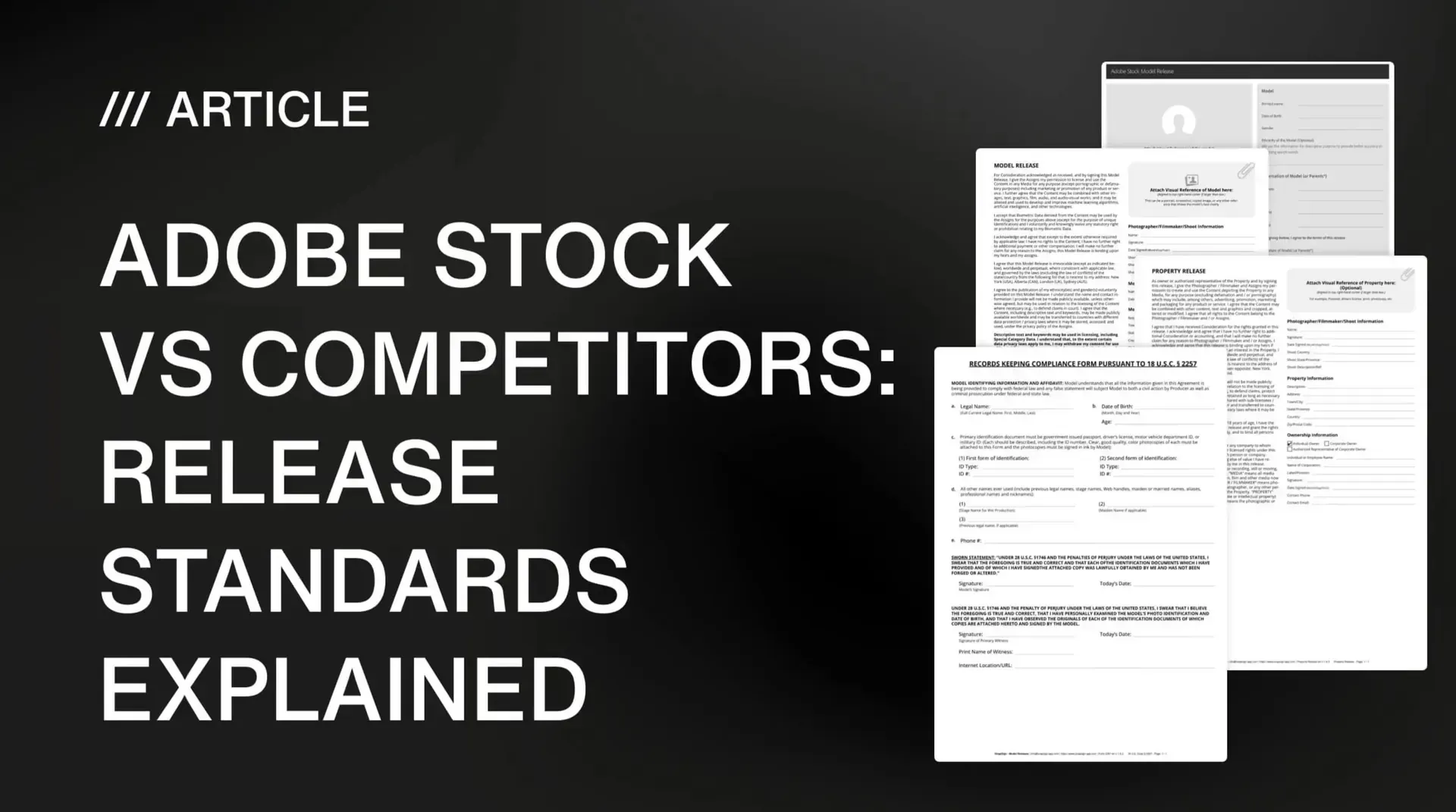
For photographers who submit to multiple stock platforms, one signing session covers all of them. A release that meets Getty’s standards automatically satisfies Adobe Stock and Shutterstock — Getty is the highest bar, as we detailed in our platform comparison guide. Create the release once, get it signed, export the PDF, and submit to every platform without redoing paperwork.
We also built Model Profiles so you do not retype the same model’s information across shoots. When a model you work with regularly appears in a new session, load their profile, verify the details are still current, and the name, date of birth, and contact fields populate automatically. Less typing, fewer typos, fewer rejections.
Final verdict - Getty Images Model Releases
Getty Images model release requirements are strict because the platform’s business depends on them. Every brand, publisher, and agency that licenses from Getty does so expecting legally airtight documentation — and Getty delivers that by enforcing release standards that leave no room for ambiguity.
For contributors, the path to fewer rejections is straightforward: use a release template that includes every required field, collect clear signatures from the model, the photographer, and a witness, verify that all names, dates, and shoot details match, and create a fresh release for every session. Digital releases with tamper-evident hashing eliminate the handwriting and alteration risks that trip up paper forms. The requirements are not arbitrary — they are the difference between an image that can be licensed globally without legal exposure and one that cannot.