Quick Answer: Stock Photography Licensing
You can sell stock photos online by signing up as a contributor on platforms like Shutterstock, Adobe Stock, or Getty Images, uploading high-resolution images with accurate keywords, and attaching signed model releases for any recognizable people or property releases for private locations. The platforms handle licensing, payment processing, and delivery. You earn a royalty every time someone downloads your work.
What is stock photography? It is the business of licensing images — your photos — through online platforms that connect photographers with buyers: advertising agencies, publishers, designers, and brands. Instead of selling a single print to one client, you license the same image to dozens or hundreds of buyers, earning a royalty each time. Stock photography has existed since the 1920s, but image licensing today is an entirely digital, global marketplace — and for photographers, one of the most accessible ways to earn passive income from work they have already created.
I have been licensing photography for years — first as a film photographer submitting to small agencies, later through the major platforms as the stock photography industry consolidated. The single biggest friction point has not changed in all that time: paperwork. Every platform requires it. Every platform will reject your submission without it. Getting that part right on the first attempt is what separates contributors who build passive income from those who give up after a few rejections.
Why Most Stock Photo Submissions Get Rejected on the First Attempt
Here is a pattern I have seen play out hundreds of times in photography forums and contributor communities. A photographer spends a weekend shooting, edits a batch of 20 images, uploads them to Shutterstock or Adobe Stock, and waits. A few days later, the rejection email arrives. The reason? Missing or incomplete model release.
Every time. And the frustration spirals — because the platform tells you it was rejected, but it almost never tells you exactly which field was missing or what the reviewer expected to see. I have seen contributors use the official Shutterstock release form, fill every field exactly as instructed, and still get the “invalid model release” rejection. No further explanation. Just a closed door.
Whether you are just figuring out how to sell photos online for the first time or you have been selling photos online for years and hitting a plateau, the workflow is not just about taking good pictures. The platforms expect three things to align before your image ever goes live: technical quality, accurate metadata, and legally sound releases. Most photographers nail the first two and stumble on the third.
Stock platforms treat model and property releases as non-negotiable for commercial licensing. Not as a suggestion. Not as “upload it later.” If a reviewer sees a recognizable face, a visible tattoo, a private home, or a branded building and there is no signed release attached, the image gets flagged — or rejected outright. And once a platform has flagged your account for repeated release issues, the review queue gets slower and stricter. The friction compounds.
Understanding this upfront changes how you approach stock photography. Instead of shooting first and scrambling for paperwork later, you build releases into your workflow from the moment the shutter clicks. But before we get to the paperwork — you need to understand the licenses themselves, because the license type you choose determines whether you need a release at all.
How to License Photos: The Three License Types That Matter
When you upload to a stock platform, you are not selling the photo itself. You are selling a license — permission to use the image under specific conditions. Understanding how to license photos correctly determines whether that image earns you $0.25 per download or $250 per campaign — and if you are new to this, knowing how to license your photography from day one is one of the best stock photography tips anyone can give you. Here are the three types every contributor needs to know before uploading a single image.
Royalty-Free Licensing
Royalty-free is the default on most microstock platforms and the one you will encounter most often when you sell stock photos on Shutterstock, Adobe Stock, or iStock. The buyer pays once and can use the image multiple times — websites, brochures, social media, presentations — within broad usage terms. You earn a royalty per download, and successful images can generate income for years.
The name trips up beginners. “Royalty-free” does not mean you earn nothing. It means the buyer does not pay a recurring royalty to the rights holder after purchase. You still get paid per download. For most contributors starting out, royalty-free is the right choice: highest volume, lowest barrier to entry, and the license most buyers search for.
Rights-Managed Licensing
Rights-managed is the high-stakes version. The buyer pays for specific usage rights — duration, medium, geographic region, purpose. You price the license based on scope, and because the terms are exclusive to that buyer during the license period, you typically earn far more per transaction.
This license works best for niche, high-production-value content that a brand would want exclusively — a cinematic aerial shot of a specific skyline, a meticulously lit studio portrait series, a location nobody else has captured from that angle. Getty Images built its business on rights-managed licensing. The tradeoff: lower sales volume, significantly higher per-sale earnings.
Editorial-Only Licensing
Editorial licensing covers news reporting, documentary projects, blogs, textbooks, educational content — anything that is not commercial advertising. Here is the part that matters most: you do not need a model release or property release for editorial images. The image is not selling a product, so the platform does not require permission from the people in it.
The limitation is clear — you cannot license an editorial image for commercial use. If a brand wants your photo in an ad campaign, editorial does not cover it. Most platforms let you mark an image as editorial-only during upload, which tells reviewers not to expect a release. This is your fallback when you captured something newsworthy — a street protest, a public figure at an event, a candid crowd scene — but have no way to get releases from everyone in the frame.
Here is how the three license types compare at a glance:
| License Type | Commercial Use | Exclusive Rights | Release Needed | Earnings Per Sale |
|---|---|---|---|---|
| Royalty-Free | Yes | No — same image sold to multiple buyers | Yes — model + property for commercial | $0.10–$2.85 per download |
| Rights-Managed | Yes | Often — exclusive to buyer during license period | Yes — model + property | $50–$500+ per license |
| Editorial | No — news, blogs, education only | No | Usually not — some platforms may still ask | $0.25–$2.00 per download |
Those three stock photography license types — royalty-free, rights-managed, and editorial — cover every image you will ever upload. But knowing the theory does not help if you are uploading to the wrong platform. Let us look at where your images actually get seen — and where you should sell photos for stock to maximize your reach.
How to Sell Stock Photos Online: A Platform-by-Platform Guide
Figuring out how to sell stock photos online starts with choosing the right platforms. Not every site is a fit for every photographer — and if you are asking where to sell photos online, the answer depends on what you shoot and who you want to reach. The best stock photography sites differ in audience, review strictness, payout structure, and the license types they prioritize. For stock photography for beginners, starting with one or two platforms and expanding as you learn the workflow is almost always better than signing up everywhere at once. Here is how the major players compare.
| Platform | Best For | Royalty Rate | Review Difficulty | Exclusivity Required |
|---|---|---|---|---|
| Shutterstock | Beginners, high volume | 15-40% (tiered by lifetime earnings) | Moderate | No |
| Adobe Stock | Creative Cloud users, designers | 33% on most sales | Moderate | No |
| Getty Images / iStock | Premium, editorial, high-value niches | 20-45% (varies by channel) | Strict | No (exclusive has higher rates) |
| Alamy | Flexibility, no exclusivity | 50% on direct sales | Lenient | No |
| Stocksy | Curated, artistic, high-end | 50% (co-op model) | Very strict — application required | Yes |
A few practical observations from working across these platforms:
Shutterstock is the most beginner-friendly. If you want to become a stock photographer with minimal friction — or figure out how to become a stock photographer as a complete beginner — start here. Review turnaround is fast, the upload interface is straightforward, and the volume adds up if your keywords are accurate. Their contributor platform handles everything from upload to payout. The tiered royalty structure means your per-download rate increases as you hit lifetime earnings milestones — so consistency compounds.
Adobe Stock integrates directly with Lightroom and Photoshop. The 33% flat royalty is competitive, and Adobe’s buyer base skews toward designers who pay higher per-image prices than casual downloaders. Adobe publishes detailed model release requirements — read them before submitting.
Getty Images is the prestige play. Their review process is the strictest in the industry — they check image quality, composition, commercial viability, and release completeness on every submission. But the upside is real: a single rights-managed license through Getty can earn more than a hundred microstock downloads combined. Review their contributor guidelines before applying. Higher bar, higher payout.
Which Platform Should You Start With?
If you are staring at five platforms and not sure where to begin, here is a practical decision guide:
| Your Situation | Start Here | Why |
|---|---|---|
| Complete beginner, no portfolio | Shutterstock | Fastest review, most forgiving, builds momentum |
| Already use Lightroom / Photoshop | Adobe Stock | Upload directly from Creative Cloud, strong royalty rate |
| High-end portfolio, editorial focus | Getty Images | Premium pricing, highest per-sale earnings |
| Want maximum flexibility | Alamy | No exclusivity, 50% royalty, lenient review |
| Want to maximize total income | 2–3 platforms at once | Volume across platforms beats exclusivity on one |
One thing connects every platform in that table: model releases. Every single one requires them for commercial content. The platforms differ in review strictness and royalty splits, but they converge completely on the paperwork. Which brings us to the part of the workflow where your images either go live or die in the review queue.
What Every Stock Platform Requires: Model and Property Releases
A model release for stock photography is a signed legal document in which the person in your photo gives you permission to license their likeness for commercial use — without it, no platform will issue a commercial image license for that photo. The American Society of Media Photographers publishes legal resources on release requirements that are worth reviewing if you are building a commercial photography business. This document matters more than your raw files, more than your keywords, more than your editing presets. Without it, your commercial licensing pipeline stops.
Here is what each major platform specifically requires:
| Platform | Model Release Required | Property Release Required | Digital Signatures Accepted |
|---|---|---|---|
| Shutterstock | Yes — for all recognizable people in commercial content | Yes — for private property, artwork, and branded items | Yes |
| Adobe Stock | Yes — requires specific Adobe-compliant release template | Yes — for recognizable private locations | Yes |
| Getty Images | Yes — requires specific Getty-compliant release template | Yes — required for identifiable property | Yes, when traceable and tamper-evident |
| Alamy | Yes — for commercial use; not for editorial | Recommended but not always required | Yes |
Who Counts as "Recognizable"?
Most new contributors assume “no face = no release needed.” The platforms disagree. A contributor on r/stockphotography described Adobe Stock rejecting a video clip where the subject appeared only as a dark silhouette against bright sparks — no facial features at all. The full body outline was enough for the platform to flag it as an identifiable person.
Platform reviewers flag images when identification is possible through facial features, distinctive tattoos, unique clothing, visible body shape, recognizable posture or gait, identifiable vehicles, or even a silhouette against a landmark. If someone who knows the subject could reasonably identify them in the photo, the platform will ask for a release.
One specific trap catches even experienced contributors: the witness signature date must match the model signature date exactly. Shutterstock and Adobe Stock both flag releases where the model signed on Tuesday and the witness dated it Wednesday — even if both signatures are genuine. If you are collecting signatures digitally with a tool like SnapSign, the app timestamps both signatures together automatically. If you are using paper forms, double-check the dates before scanning.
Property Releases: When a Building Needs a Signature
A property release grants permission to commercially use images of privately owned locations. This matters most with luxury homes, private resorts, recognizable architecture, artwork installations, branded interiors, and stadiums. Public spaces — city streets, national parks, government buildings — generally do not require property releases, though some platforms enforce specific rules about landmarks.
The Digital Release Advantage
Paper releases create three problems at scale. They get lost. A coffee spill on set, a misplaced folder — and the release for your best-selling image is gone. They degrade. Ink fades, paper creases, and a three-year-old stapled form looks unreliable to a platform reviewer. And they are slow. Printing, signing, scanning, filing takes minutes per person. With a workshop of 15 participants, that is half the afternoon.
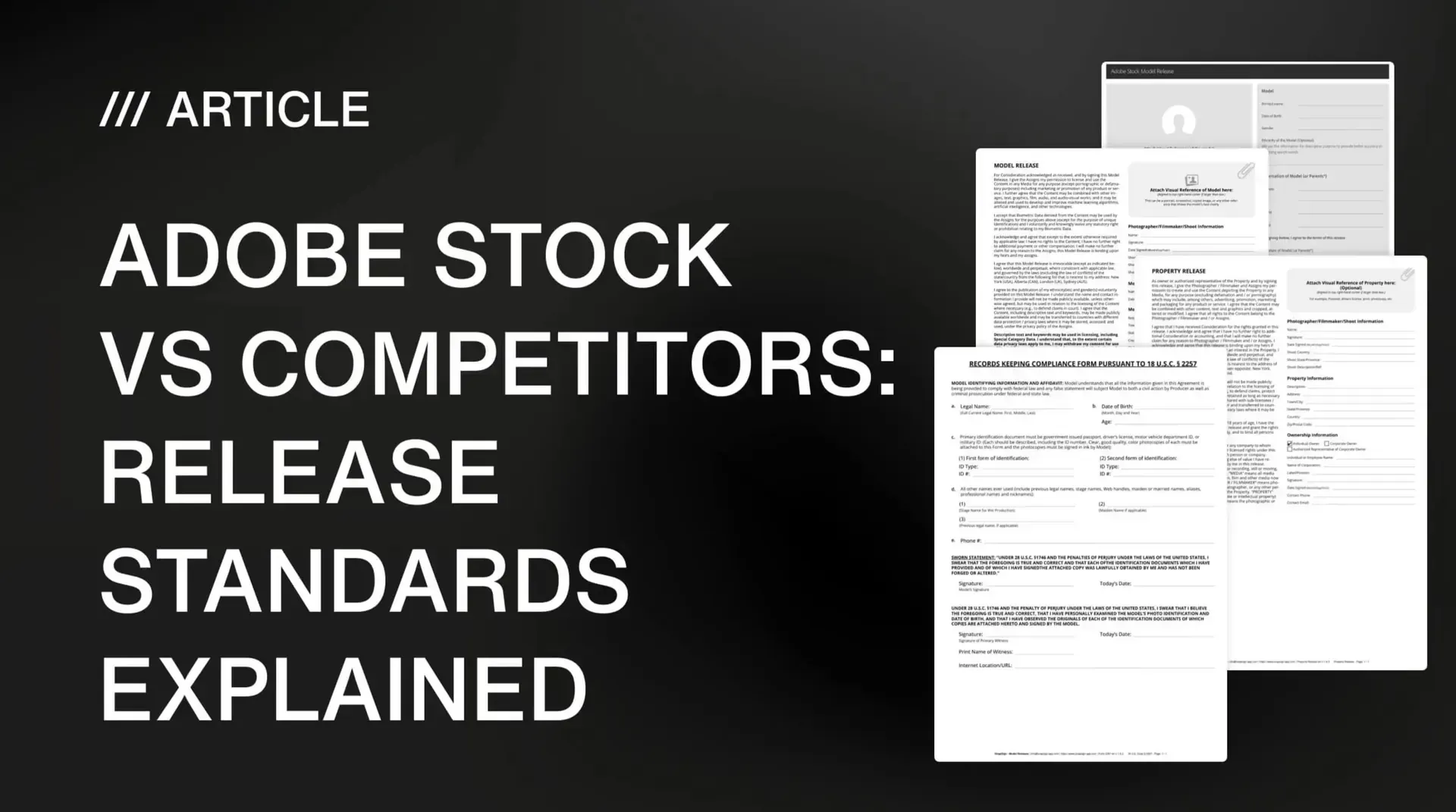
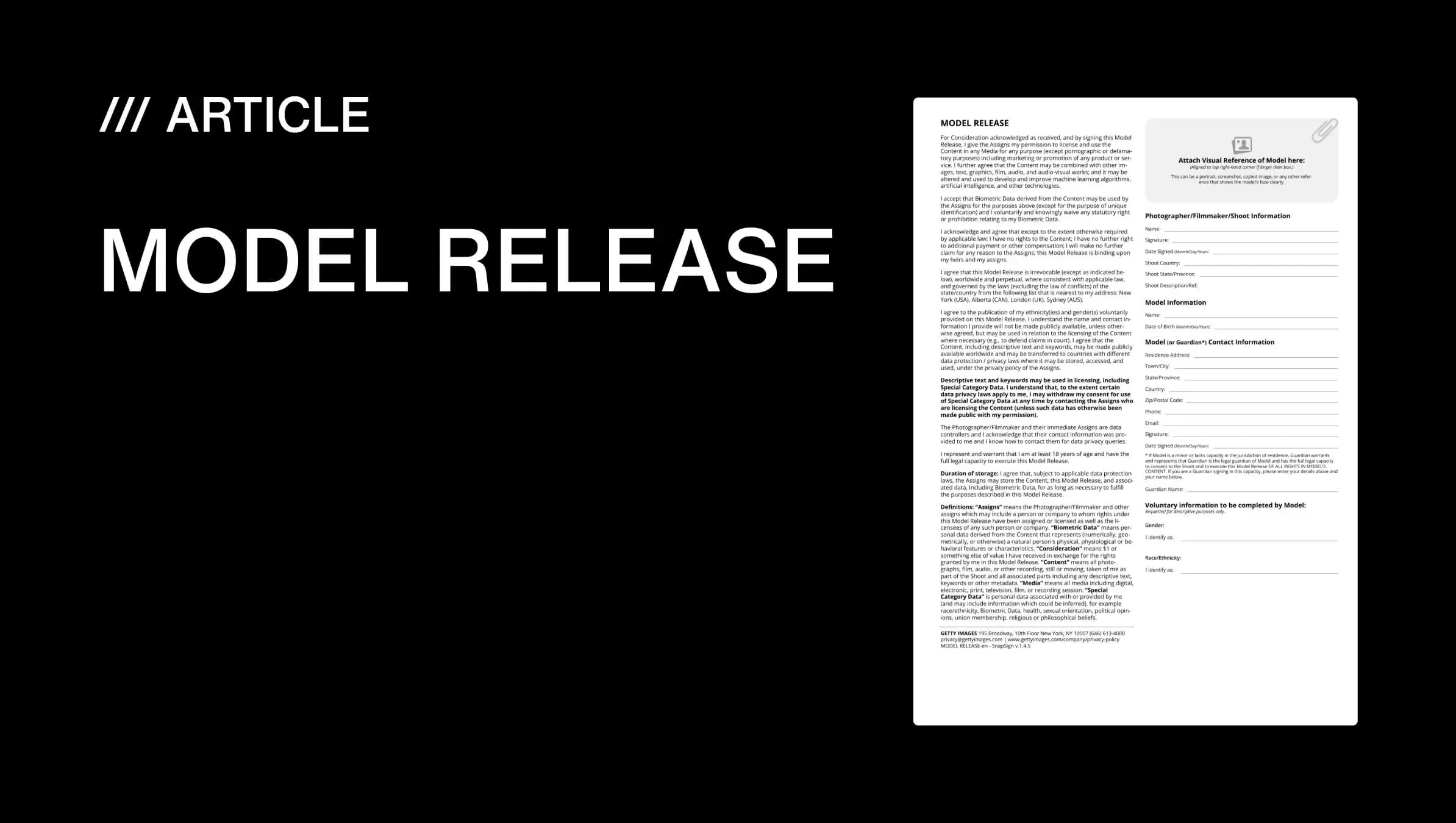
Digital releases solve all three. Signatures are captured on a device during the shoot, stored in the cloud, and retrievable from anywhere. We built SnapSign specifically for this workflow — our built-in templates include Getty Images-compatible model and property releases, and Adobe Stock-compatible model releases, so you are not guessing which fields a platform requires. (We have a full breakdown of what Getty Images expects from a model release if you want the details.) Every signed contract is cryptographically hashed with SHA-256 — proof the document has not been altered since signing, something a paper form can never demonstrate.
What matters for you: a model signs on your phone at the shoot, and the release is ready to attach to your stock submission that same day. No scanning. No chasing emails. No wondering whether the bride’s mother ever opened the release link.
When You DON'T Need a Model Release for Stock Photography
Everything above covers the standard rules. Now the exceptions — the scenarios where you can submit commercially without a signed release on hand. These matter because they open up entire categories of photography that are otherwise locked behind paperwork.
Editorial Licensing: The Built-In Exception
We covered editorial licensing earlier, but it bears repeating as the primary release-free path. Editorial images cannot be used to sell products or services — they exist for journalism, education, documentary work, and commentary. The tradeoff is clear: no release needed, but also no commercial advertising revenue from that image. For street photographers, photojournalists, and event documentarians, editorial licensing is not a fallback — it is the entire business model.
Truly Non-Recognizable People
The silhouette rejection story from r/stockphotography shows how strict platforms can be. But there is a genuine threshold where a person becomes unrecognizable. A tiny figure in a vast landscape. A crowd so dense that no individual is distinguishable. A subject photographed entirely from behind with no identifying features — generic clothing, no tattoos, no distinctive body shape. The test: could someone who knows this person point to the photo and say “that’s them”? If the answer is genuinely no, you may not need a release. But the burden of proof is on you — and the platform’s review team has the final say.
Public Figures and Public Events
Photographs of public figures — politicians, performers, athletes — taken in public settings generally do not require model releases for editorial use. Public events like parades, festivals, and sporting matches fall into this category too. The legal framework differs by jurisdiction (right of publicity laws vary widely between the US and Europe), but the practical reality on stock platforms is: public figure imagery is overwhelmingly licensed as editorial, and platforms do not expect releases for it.
Your Own Private Property
If you are photographing your own home, studio, or land, you do not need a third-party property release. You are the rights holder. Some platforms may ask you to confirm this during submission, but you will not need a signed property release form from yourself.
Images Without Any People or Private Property
A new contributor on r/stockphotography asked whether images without people sell — they wanted to skip the model release complexity entirely and focus on landscapes, objects, animals, and textures. The answer from the community: yes, these images sell, and they require zero releases. If your portfolio leans toward nature, architecture (public buildings), food, still life, textures, or wildlife, you can build a stock photography income without ever collecting a model signature. The tradeoff is volume — images with people tend to get more commercial downloads — but a release-free portfolio is a legitimate strategy, especially when you are starting out.
These exceptions exist, but they are edge cases. For the 80% of stock photographers who shoot people in commercial contexts, the paperwork is unavoidable. Which means the real question is not whether you need releases — it is how you handle them without losing your mind.
Real Questions Photographers Ask About Stock Licensing
These are the questions I see repeatedly in contributor forums — the ones that come up after someone has uploaded their first batch and hit their first rejection.
"Do I need a release if the person's face is not visible?"
Platforms will flag body outlines, tattoos, unique clothing, and contextual identifiers — even when no face is visible. The Adobe Stock silhouette rejection on r/stockphotography is not an outlier. If it is clearly a specific person, get a release. If you cannot get a release, mark the image as editorial-only.
"What about crowd shots at public events?"
Crowd shots are generally treated as editorial unless you have releases from every recognizable person — which is almost never practical. Submit crowd photography as editorial. If you want to license crowd images commercially, you need a workflow like Group Events in SnapSign, where you send a single bulk signing request to everyone who appears in the session. But for most street and event photographers, editorial is the correct and lower-friction path.
"Can I use a generic model release template from the internet?"
You can, but you are gambling with the reviewer. Each platform has specific field requirements. A generic release missing the shoot description field, the witness signature line, or the explicit commercial usage language will get rejected — and the platform will not tell you which field was the problem. We include platform-specific templates (Getty Images and Adobe Stock model releases) in SnapSign for this exact reason — every field the reviewer checks for is there, and nothing they will flag.
"How many images do I need to upload before I see real income?"
Most contributors who stick with it report their first consistent payouts after uploading 200-300 curated, well-keyworded images. If your goal is how to make money with stock photography — or how to make money selling stock photos specifically — as more than pocket change, the contributors earning $1,000+ per month typically have portfolios in the low thousands — but consistency matters more than portfolio size. A portfolio of 500 high-demand images that gets 20 new additions per month will outperform a stagnant portfolio of 2,000. Platforms reward active contributors with better search visibility.
Here is what the income trajectory typically looks like for consistent contributors (these are directional averages, not guarantees — earnings depend heavily on image quality, keyword accuracy, and subject demand):
| Portfolio Size | Typical Monthly Income | What It Takes |
|---|---|---|
| 100–200 images | $10–$50/month | First sales — proof the system works |
| 500 images | $50–$300/month | Consistent uploads, accurate keywords |
| 1,000–2,000 images | $300–$800/month | Diverse subjects, multiple platforms |
| 2,000+ images | $1,000–$5,000+/month | Full-time commitment, niche expertise |
Which raises the practical question: if you shoot regularly with models, how do you manage the paperwork without it consuming your editing time?
Getting Your Releases Right on the First Submission
Every rejected submission costs you time — not just time to fix the release, but the days or weeks that image sits in the review queue instead of earning. Multiply that across 50 images per month. The productivity drain is real. If you are serious about how to sell your photos online and turn this into consistent income, the release workflow has to be dialed in before you upload. But before the paperwork — there is one step most guides skip entirely.
Keywords and IPTC Metadata: What Makes Your Images Findable
You can have a perfect photo with a signed release, and it will still earn nothing if nobody finds it. Stock platforms are search engines — buyers type in keywords like «business meeting natural light» or «aerial coastline sunrise,» and the platform returns images whose metadata matches those terms. If your IPTC metadata fields are empty or your stock photo keywords are vague, your image is invisible.
IPTC (International Press Telecommunications Council) metadata is the industry standard for embedding titles, descriptions, and keywords directly into your image file. When you export a JPEG from Lightroom or Capture One, the IPTC fields you fill in travel with the file — and stock platforms read them automatically during upload. This means you do the keywording once, in your editing software, and every platform picks it up.
What to fill in before export:
- Title — descriptive, not artsy. «Young woman working on laptop in sunlit café» beats «Morning glow.»
- Description — one to two sentences covering who, what, where, and the visual mood. Buyers search by scene type, not by your creative intent.
- Keywords — 10 to 30 specific, relevant terms. Include: subject (woman, laptop), action (working, typing), setting (café, coffee shop), mood (natural light, warm), and concept (productivity, remote work, freelance). Avoid spamming unrelated popular keywords — platforms penalize this.
- Copyright and creator fields — your name and contact info. This protects your work and helps buyers find you directly.
Filling in IPTC metadata takes thirty seconds per image in your export preset. Skip it, and you are relying on the platform’s upload form — which means retyping the same information for every image, on every platform, forever. Do it once in the metadata, and the file does the work for you.
Pre-Upload Checklist
Before you hit submit on any platform, run through these five checks. Every «no» is a rejection waiting to happen:
| Step | Check | Why It Matters |
|---|---|---|
| 1. Technical | Sharp, high-res, noise-free, properly exposed. Leave negative space for text overlays. Export in multiple orientations (landscape + portrait) when possible — buyers need both. | First filter — bad tech = instant rejection. Negative space + orientation variety = more buyer use cases = more downloads. |
| 2. Metadata | IPTC title, description, and 10+ keywords embedded in file | Without keywords, your image is invisible to buyer searches |
| 3. Release | Signed model release attached (all fields complete, witness if required) | Missing or incomplete release = rejection or editorial-only restriction |
| 4. Property | Property release if private location or artwork is the main subject | Some platforms reject without it; others restrict to editorial |
| 5. License | Correct license type selected (commercial vs editorial) | Wrong license type = mismatched buyer expectations = returns and complaints |
The Shoot-to-Submit Workflow
Before the shoot: Know which platform you are targeting. Getty Images, Adobe Stock, and Shutterstock each have slightly different release field requirements. We include Getty-compatible and Adobe-compatible templates in SnapSign on every device — switch between them based on where you are submitting that day.
During the shoot: Get the release signed while the model is still in front of you. Hand them your phone with the release open. They sign. Done. If you are shooting a group — a fashion editorial with five models, a workshop with twelve participants — use our Group Events feature to send a single Signature Request to every participant at once. Each person receives a secure link by email, signs on their own device, and the completed release appears in your account. No paper, no clipboards, no chasing people after wrap.
After the shoot: Attach the signed release to your stock platform submission. Our PDFs include every field reviewers check — legal name matching government ID, date of birth, shoot description, witness signature, explicit commercial usage rights. The SHA-256 hash on every signed contract proves document integrity. If a reviewer ever questions whether a release was altered after signing, the hash answers that definitively.
The difference between contributors who treat releases as an afterthought and those who treat them as part of the shoot is visible in their rejection rates. One group gets flagged, delayed, and discouraged. The other uploads, gets approved, and earns.
Final verdict - Stock Photography Licensing
Selling stock photos is the closest thing to passive income that photography offers. One well-composed, well-keyworded image can earn for years. But the gap between uploading and earning is a paperwork checkpoint that every platform enforces the same way: no signed release, no commercial license. The contributors who succeed treat releases as part of the creative workflow — signed on set, stored digitally, attached at upload — not as a separate administrative task to handle later. Handle the paperwork when you click the shutter, and the licensing takes care of itself for years afterward.