Quick answer — Can you write your own model release?
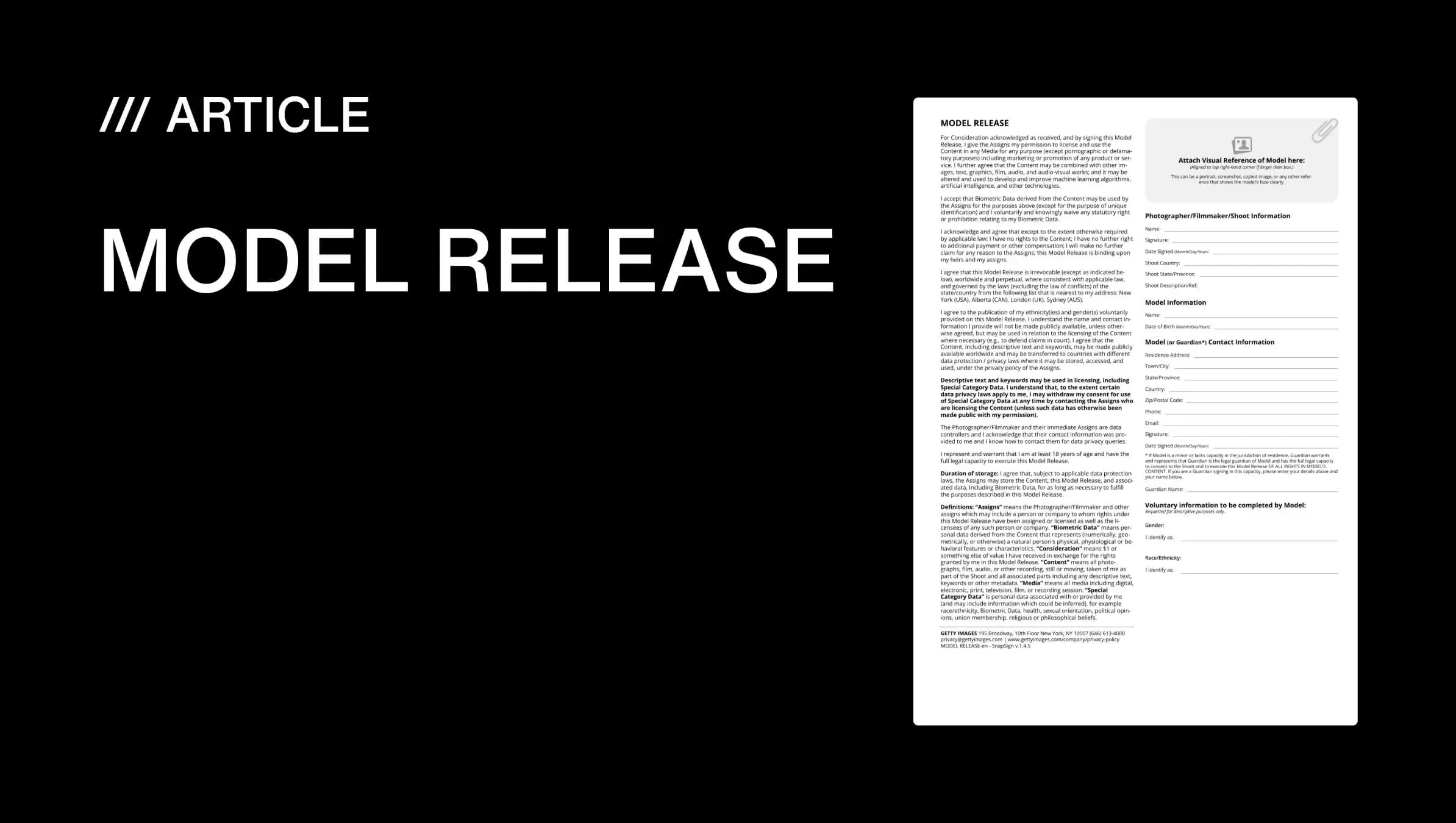
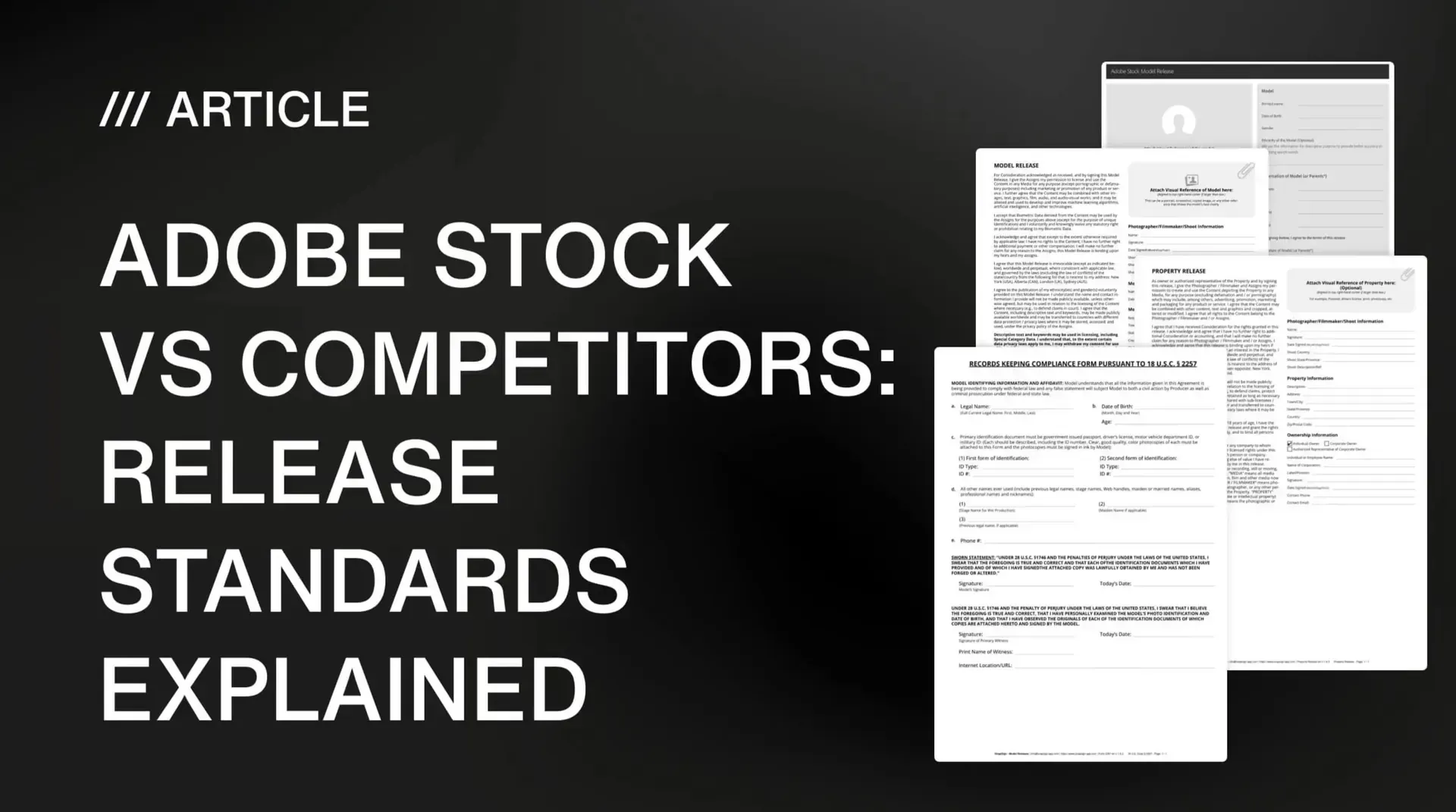
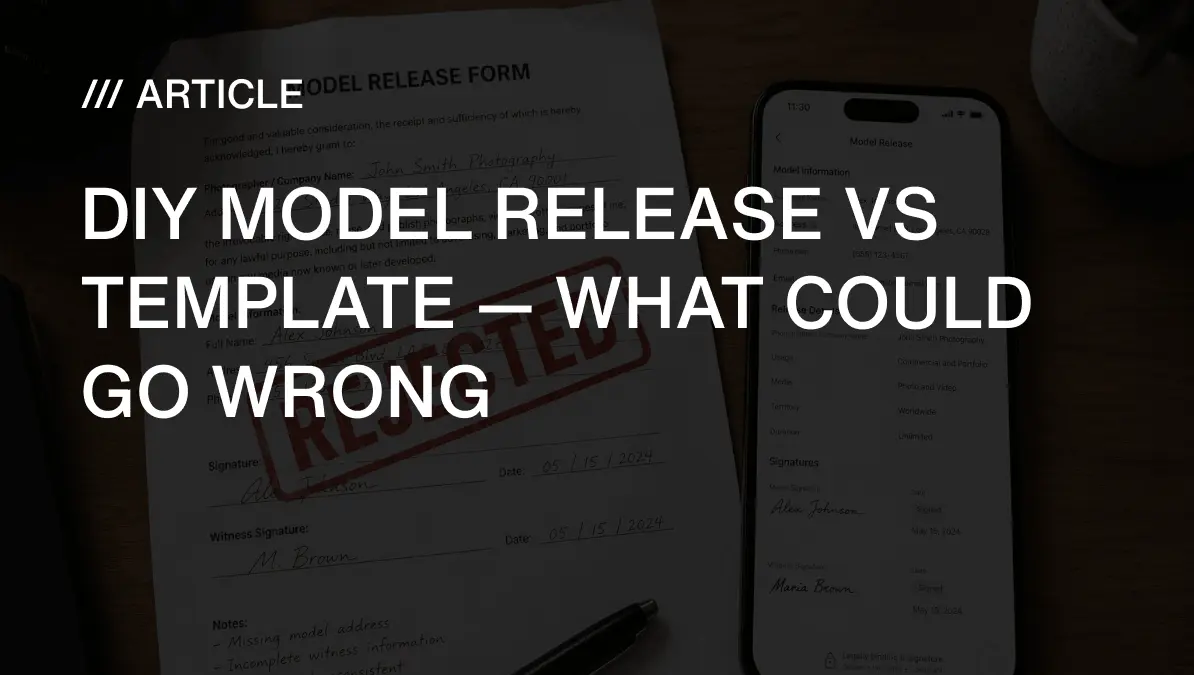
Yes — you can write your own model release, and it may be legally valid between you and the model. Stock-platform acceptance is a separate question. Getty Images, Adobe Stock, and Shutterstock publish different forms and submission requirements, so a DIY release should be checked field by field against the current documentation of the platform you intend to use. A missing field may result in rejection when that field is required by the applicable platform, but there is no single universal checklist shared by all three. The key distinction that most photographers miss: legal validity and platform acceptance are two different things. If you are new to model releases, start with our complete guide to model release forms for the fundamentals. Here is how to write a release that works — and how to avoid the platform-specific gaps that cause rejections.
Who wrote this — and why it matters
I am Pavel Demidovich, a film photographer and filmmaker, and the founder of SnapSign. I have written my own model releases from scratch. I have downloaded free PDFs from legal websites. I have had stock submissions rejected for paperwork issues that took me hours to diagnose because the rejection email just said "incomplete release" — not which field was missing or which platform requirement I had overlooked. I built SnapSign because the gap between "legally valid" and "platform-accepted" is where photographers lose money, and most free resources do not explain that the three major platforms have different requirements.
SnapSign's templates are built from each platform's own published forms — Getty, Adobe Stock, Shutterstock. If you use our platform, you get structured fields that prompt for the information each template requires. If you use paper or another tool, the principles below still apply — because the difference between accepted and rejected always comes down to the same question: does your form have what the specific platform's reviewer is trained to look for? Platform requirements may change. Last verified: August 6, 2026. Always review the latest official contributor documentation before submitting.
Five categories of things DIY releases get wrong
Most photographers who write their own releases are not careless. They are people who read a blog post saying "just include names, signatures, and a permission statement" and wrote exactly that. The problem is that each stock platform has its own form, its own required fields, and its own review criteria — and a DIY release written to a generic checklist can fall short of what a specific platform actually needs. Here are the five categories of issues that most commonly cause problems, with the understanding that the exact requirements differ by platform.
1. Missing fields required by the target platform's published form. Getty Images' published global release includes a dedicated witness section — if you submit to Getty, complete that section. Adobe Stock's published guidelines state that a separate witness is generally not required for adult model releases. Shutterstock has its own current form and requirements. The mistake photographers make is assuming that one platform's form maps to another's. A DIY release written for Getty will include a witness section. A DIY release written for Adobe Stock may not. Neither is wrong — but each must match the platform it is submitted to. Check the current official form of each platform separately.
2. Usage grant language that does not match the intended licensing programme. "I give permission to use my image" may be sufficient for personal work, but commercial stock licensing requires the release to grant rights broad enough for the intended use. A DIY release with a narrow or vague usage grant may be flagged by a platform's review team if the language does not cover the licensing programme you are submitting to. Do not copy isolated phrases from blogs or other photographers' releases — compare your grant language with the platform's current official form. The question is not whether your language is legally valid. It is whether it covers what the platform's licensing programme requires.
3. Inconsistent or inaccurate identifying information. Use accurate and consistent identifying information throughout the release. Where a platform or content category requires government-issued ID, make sure the release details match that documentation. Inconsistencies between the name on the release and the name on a contributor account can trigger review questions. The key is consistency — the name the platform has on file for you should match the name on every release you submit.
4. Unclear or incorrectly formatted dates. Record the shoot date and each signing date accurately in the format required by the current platform form. A release may be signed before or after a shoot — the dates should reflect what actually happened. Do not assume that all platforms require identical dates for all signers or prohibit date ranges unless their official documentation says so. Use clear, accurate dates. If a platform's form asks for a specific date format, follow it.
5. Missing supporting documentation required by the target platform. Getty Images' published global form includes a visual-reference section. Other platforms may use different identification and release-association processes, so check their current official forms rather than assuming that every platform requires the same supporting materials. A platform may require a model photo, a guardian consent form for minors, or identity documentation depending on the content category. Attach supporting documentation only where the platform's current instructions require it — and attach it in the format they specify.
Each of these categories represents a genuine documentation gap that can cause problems — but the specific fields, formats, and documentation within each category depend on which platform you are submitting to. A photographer who checks their form against the current official documentation of their target platform will catch these gaps before a reviewer does.
What each stock platform's published documentation says
Platform requirements are not uniform. The table below reflects what each platform's currently published official documentation says. Requirements may change. Always review the latest official contributor documentation before submitting.
| Platform | What is directly supported by published documentation | Official source |
|---|---|---|
| Getty Images / iStock | Published global release includes photographer, model, witness, shoot details, and visual-reference sections. Contributors should complete all fields on the current official form. | Getty Images contributor article |
| Adobe Stock | Requires signed releases for identifiable people in commercial submissions. Provides its own release forms and current requirements. Separate witness generally not required for adult model releases per published guidelines. | Adobe Stock model release requirements |
| Shutterstock | Requires a separate valid release for every recognizable person in commercial content. Information must be accurate and legible. Multi-page releases for one person are uploaded as one JPEG. | Shutterstock contributor blog |
| All platforms | Requirements differ and may change. Verify the current official form before submission. | Check each platform's contributor portal |
Our guide to SnapSign releases meeting Getty Images standards covers the Getty-specific workflow in detail. Our platform comparison guide walks through submission requirements across all three major agencies.
Free PDF vs structured digital workflow — what you are actually choosing between
The free PDF vs app debate is usually framed as cost vs convenience. The real difference is how each approach handles platform-specific requirements and avoidable omissions.
| Aspect | Free PDF from a template site | Structured digital workflow (SnapSign) |
|---|---|---|
| Platform alignment | Generic contract — you must verify field-by-field against each platform's current form | Templates built from each platform's published forms — but still require verification against current documentation |
| Legibility | Handwriting on paper, then scanned — legibility depends on the signer | Typed fields for names and addresses improve legibility. Signature quality still depends on capture and export. |
| Completeness enforcement | You must remember every field yourself — nothing prompts you for missing information | Structured workflow prompts for each field sequentially on templates where fields are designated as required |
| Witness capability | Paper signature line — you must remember to collect it if needed | Dedicated Witness participant type available on templates that include a witness section — signed as part of the same workflow |
| Supporting documentation | Separate attachments — you must remember to include them and format them correctly | Photo capture and document-attachment fields available on templates that require supporting materials per the platform's form |
| Document integrity | Paper or scanned PDF — alterations after signing may not be detectable | SHA-256 hash generated at signing. Verification helps demonstrate the exported PDF has not changed since the recorded signing event — it does not independently establish identity, consent, or platform acceptance. |
| Record keeping | Paper filing or scattered digital files — retrieval depends on your organization | Cloud-synced, searchable by contract type, date range, and keyword |
| Platform acceptance | Depends on whether the form matches the platform's current requirements | Structured templates can reduce avoidable omissions, but platform acceptance remains subject to the platform's current rules and review |
The free PDF is not inherently worse — it is less structured. You carry the full burden of checking every field against every platform's current form. A structured digital workflow reduces the chance that you will forget a field, but it does not replace the need to verify against the platform's current documentation. No tool guarantees acceptance. The photographers who experience the fewest paperwork issues use both: a structured template to reduce omissions, and the platform's current checklist before every submission. For a deeper look at one specific field that causes rejections, read our complete guide to model release witnesses.
What photographers report on contributor forums
These are scenarios photographers have described on stock contributor forums. They are anecdotal reports, not official platform policy — but they illustrate the kinds of documentation gaps that can cause problems.
Date formatting confusion. A contributor reported on MicrostockGroup that releases they had been using successfully for recurring models were later rejected. Other contributors noted that platform requirements for date fields had been updated and that older forms no longer matched the current documentation.
Missing visual reference on a Getty submission. A contributor described having model-released photos rejected because the release lacked the visual-reference attachment that the platform's current form includes. The release had all other fields completed — but the specific documentation required by that form was missing.
Inconsistent dates across signers. A contributor reported that a release was questioned because the signing dates for different participants did not reflect the same session. The dates were accurate — the model and witness had signed at different times — but the platform's review flagged the discrepancy.
Generic form missing platform-specific fields. A contributor described using a free PDF from a legal website that was rejected because it lacked several fields present on the platform's own published form. The PDF was a valid contract — but it did not match what the platform's reviewer was checking against.
Every one of these photographers had a signed document. The common thread is that their release did not match the specific documentation requirements of the platform they were submitting to. The fix in each case was the same: compare the form field by field against the platform's current official form.
When a free PDF may be sufficient — and when it may not
A free PDF release can work. Whether it does depends on the context, not on whether the shoot was paid or unpaid, TFP or commercial.
A generic PDF may be sufficient where it accurately documents the intended use and no platform or client imposes a specific form. The correct standard depends on the agreement, jurisdiction, client, and intended use — not merely on whether the shoot is personal, TFP, or unpaid. For editorial photography, the relevant question is often whether a release is needed at all, not whether a free PDF is adequate.
A generic PDF may fall short where a platform or client requires a specific form or specific fields that the PDF does not include. This can happen with stock photography submissions, commercial advertising work where the client's legal team specifies a format, shoots involving minors where platform-specific guardian documentation is required, and any situation where you may later need to demonstrate the integrity of the signed document.
The photographers who use free PDFs successfully are the ones who check their form against the current official documentation of every platform they submit to. Most photographers who have problems are not using the wrong tool — they are using the right tool for the wrong platform. The form that passes Adobe Stock review may not pass Getty Images review, and vice versa. The solution is not to abandon free PDFs — it is to stop assuming that one form fits all platforms.
Pre-submission checklist
Whether you use a free PDF, a self-written form, or a digital release app, run through these items before every submission:
- Use the current official form or checklist of the target platform. Start from the platform's own published documentation. Do not rely on last year's form or a form built for a different platform.
- Identify the photographer, model, and relevant shoot accurately. Use consistent information that matches your contributor account and, where required, the model's documentation.
- Make sure all fields required by that platform are complete and legible. If a field appears on the platform's current form, your release should address it. Typed entries reduce legibility issues.
- Use accurate dates for the shoot and each signing event. Record what actually happened, in the format the platform's form specifies.
- Obtain any guardian, witness, or additional signatures specifically required by the applicable form. Do not assume all platforms require the same signers. Check the current form.
- Ensure the rights granted cover the intended licensing programme. Compare your grant language with the platform's current official form. Generic "permission to use" language may not be sufficient for commercial licensing.
- Attach visual references or identity documentation only where the platform's current instructions require them. Getty Images' published form includes a visual-reference section. Other platforms have their own requirements. Attach what each platform asks for, in the format they specify.
- Check file format, size, and upload rules. Multi-page releases, file types, and resolution requirements differ by platform.
- Review the final export before submitting. Open the PDF or JPEG. Check every field. Compare against the current checklist. A 30-second review before uploading prevents a multi-day wait for a rejection notice.
This checklist is not a guarantee of acceptance — no checklist can be. But it eliminates the most common avoidable documentation gaps. The photographers who run through these items before every submission are the ones who spend the least time in rejection queues. Our platform comparison guide covers the differences between agency requirements in detail.
Final verdict — DIY release vs template
You can write your own model release. It may be legally valid between you and the model. Whether a stock platform accepts it is a separate question — and the answer depends on which platform you are submitting to, because Getty Images, Adobe Stock, and Shutterstock publish different forms with different requirements. The mistake that causes the most rejections is not writing a release from scratch. It is assuming that one form works for all platforms without checking. A free PDF may be sufficient where no platform or client imposes a specific form. A structured digital workflow can reduce avoidable omissions — our templates are built from each platform's published forms — but no tool replaces the need to verify against the current official documentation. Build your release to match the platform you are submitting to. Check the platform's current form before every submission. Sign the paperwork at call time. Review the final export. The photographers who treat platform requirements as a checklist to verify, not a single list to memorize, are the ones who stop seeing rejection emails — because their releases match what the reviewer is trained to look for.