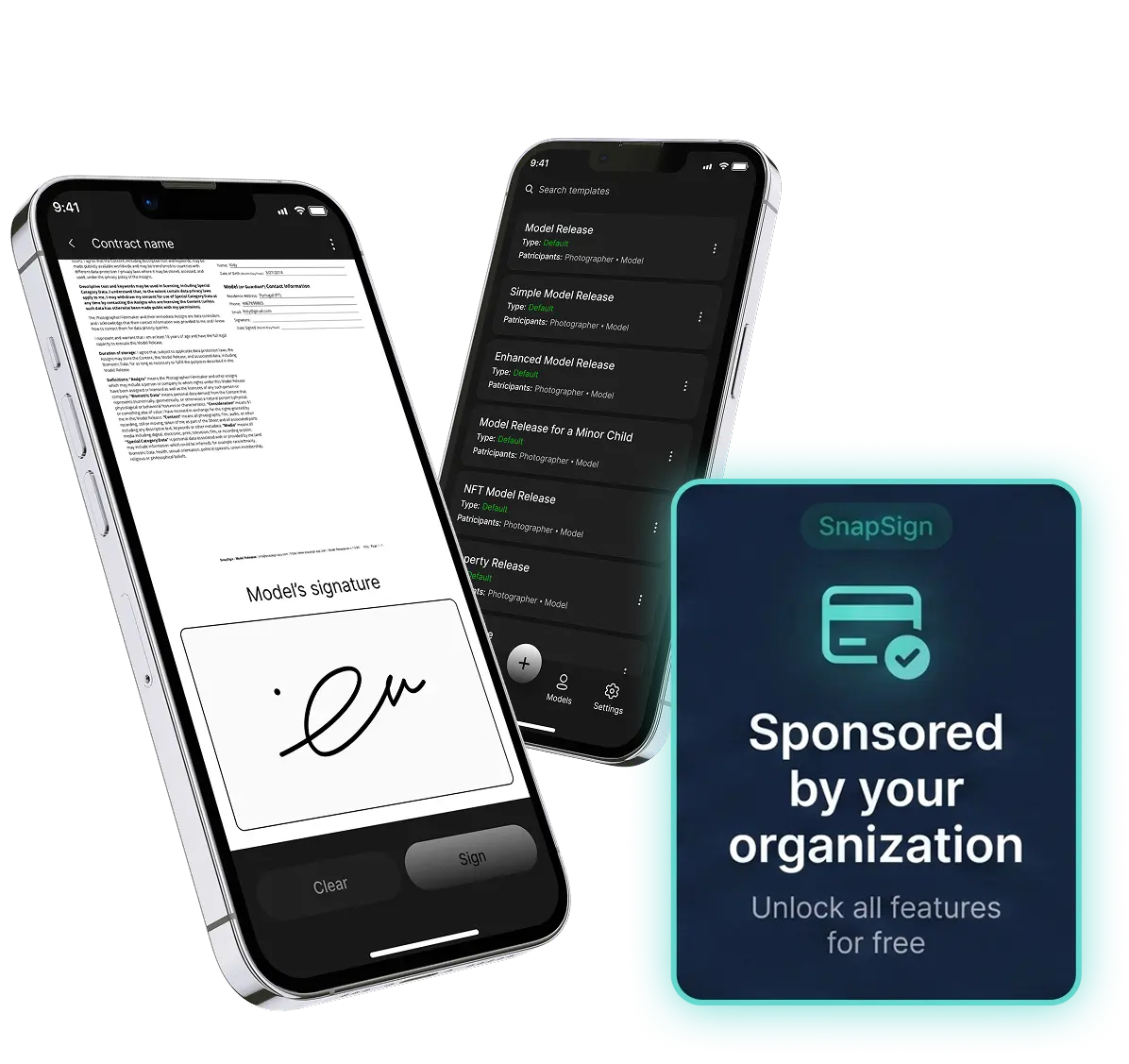
Why provide SnapSign access to your creators?
Many organizations rely on creators to collect and submit release documents. But when each creator uses their own tools, manually fills PDFs, or works with outdated templates, the quality of submitted documents can vary.
This can lead to missing information, incorrect forms, incomplete signatures, or extra back-and-forth before a document can be accepted.
By giving creators access to SnapSign, your organization makes it easier for them to create, sign, export, and manage release documents in a consistent workflow. Creators get a smoother experience, and your organization receives documents that are more likely to follow the expected process.
This is especially useful if your organization also has its own official release template available in SnapSign . In that case, partner access helps creators use the correct template without running into subscription friction.
How partner promo codes work
Partner promo codes allow your organization to provide SnapSign access to selected users.
Your organization can generate and distribute promo codes to creators, contributors, contractors, employees, or other people who should receive access. Each promo code can define:
- The access level
- Duration
- Usage quota
- Renewal behavior agreed for your partner program
Creators redeem the code inside SnapSign and receive access without purchasing a subscription through the app stores.
For larger programs, promo codes can also be generated through an API. This makes it possible to connect SnapSign access with your own contributor portal, rewards system, onboarding flow, internal tools, or partner platform.
You stay in control
Partner promo codes are designed to give your organization control over how access is distributed and managed.
Depending on the agreed setup, your organization can control:
- Who receives codes
- What level of access they unlock
- How long the access lasts
- How many times a code can be used
- How renewals should work
If access should no longer be available, promo codes can also be revoked. This gives your team a way to manage access when a campaign ends, a contributor leaves your program, or a code should no longer be used.
This allows your organization to support creators without giving up control over access, usage, or budget.
What your organization can configure
Partner access can be adapted to the needs of your program.
For example, your organization may define:
- Which SnapSign access tier should be unlocked
- How long access should remain active
- How many users or redemptions are allowed
- Whether access should renew
- How promo codes are distributed to users
Some organizations may prefer to generate codes manually for selected users. Others may want to automate code generation through an API and connect it with their own systems.
The exact setup depends on your workflow, the number of creators you support, and how you want to manage access.
Common use cases
Partner promo codes are useful for organizations that want creators to use SnapSign without requiring each person to manage their own subscription.
- A stock agency or content platform can provide access to contributors so they can prepare release documents more easily
- A media organization can give access to photographers, videographers, journalists, or field teams that regularly collect model or property releases
- A production company can provide temporary access for contractors working on a specific campaign, shoot, or project
- A nonprofit or NGO can make SnapSign available to teams that need to collect consent or release documents in different locations
- An event organizer or workshop platform can provide access to creators who need to collect releases during group shoots, workshops, casting days, or multi-day productions
Works best together with official templates
Partner access is especially powerful when combined with your organization’s own release template in SnapSign.
If your template is available in the app, promo codes make it easier for your creators to use it. They can open SnapSign, redeem access, select your official template, collect the required information and signatures, and export the completed PDF.
This helps your organization promote a consistent release workflow from the beginning instead of asking creators to manage the process manually.
Billing based on your partner setup
Partner access can be billed according to the agreed setup.
For example, billing may be based on:
- Actual promo code usage
- Renewals
- Another structure defined for your organization
This allows your team to provide access to creators while keeping billing connected to real usage.
The goal is simple: your organization supports the creators who need SnapSign, and creators get a smoother way to access the app.
Want to provide SnapSign access to your creators?
If your organization wants to make SnapSign available to contributors, contractors, employees, photographers, or your wider creator community, contact us and tell us about your program.
We will review your workflow and help define the right promo code setup for your organization.